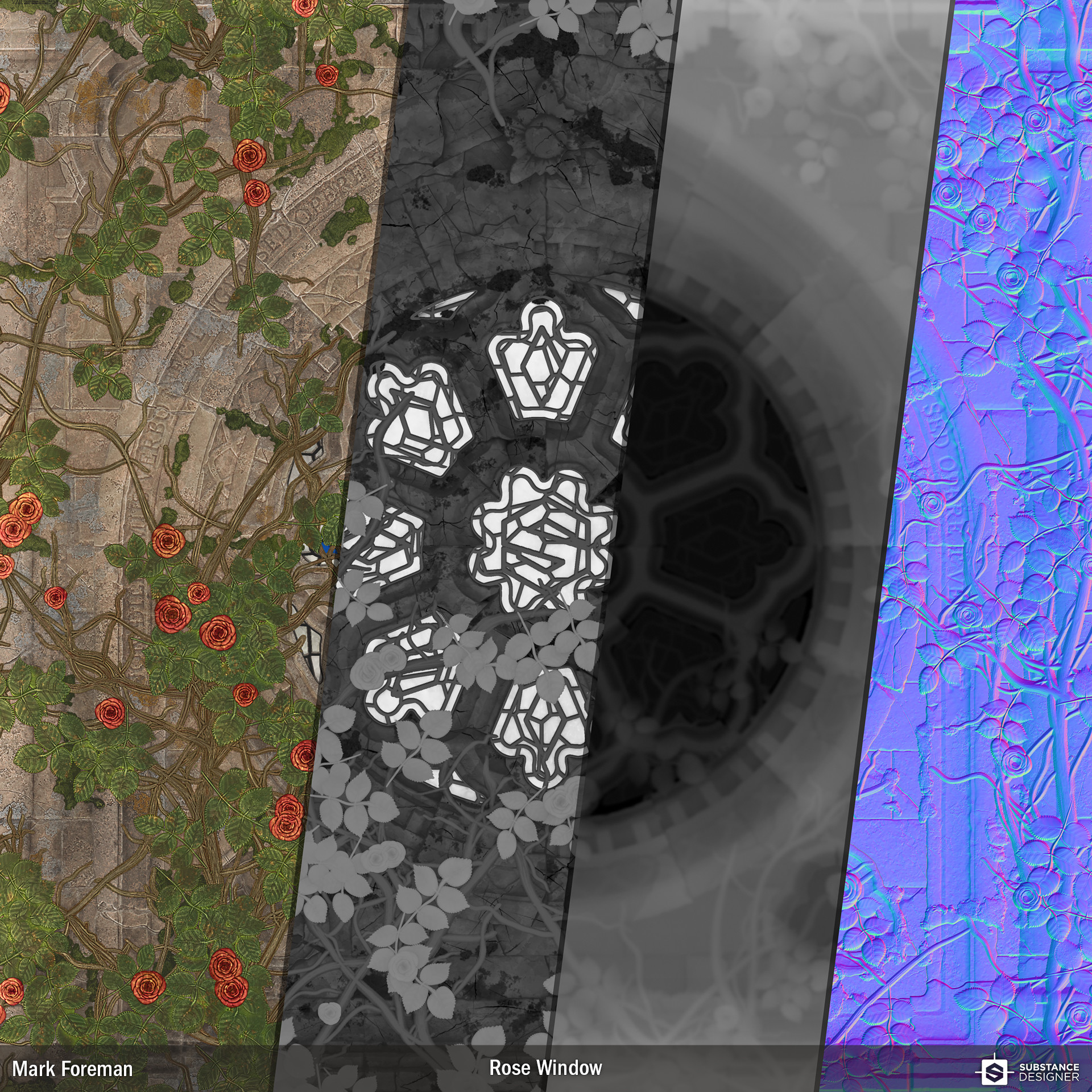
Rose Window Substance
The nice people over at Allegorithmic recently invited me to try out Substance Designer 6 in beta; this is what I have to show for my time with it.
A Substance for generating a Gothic Rose window bedecked with Roses. The graph could now quite feasibly be modified to generate variations of the architectural elements, then used to create a whole texture set.
I made a lot of use of the new Curves node which proved invaluable for creating the carved masonry. A lot of the shapes I made with the Curves node would have been practically impossible with simple gradient adjustments, or at the very least a lot slower to perfect. The text node made adding flavour with the inscription a breeze.
Apart from an imported bitmap for the Substance "S", everything was created entirely inside Substance Designer 6.


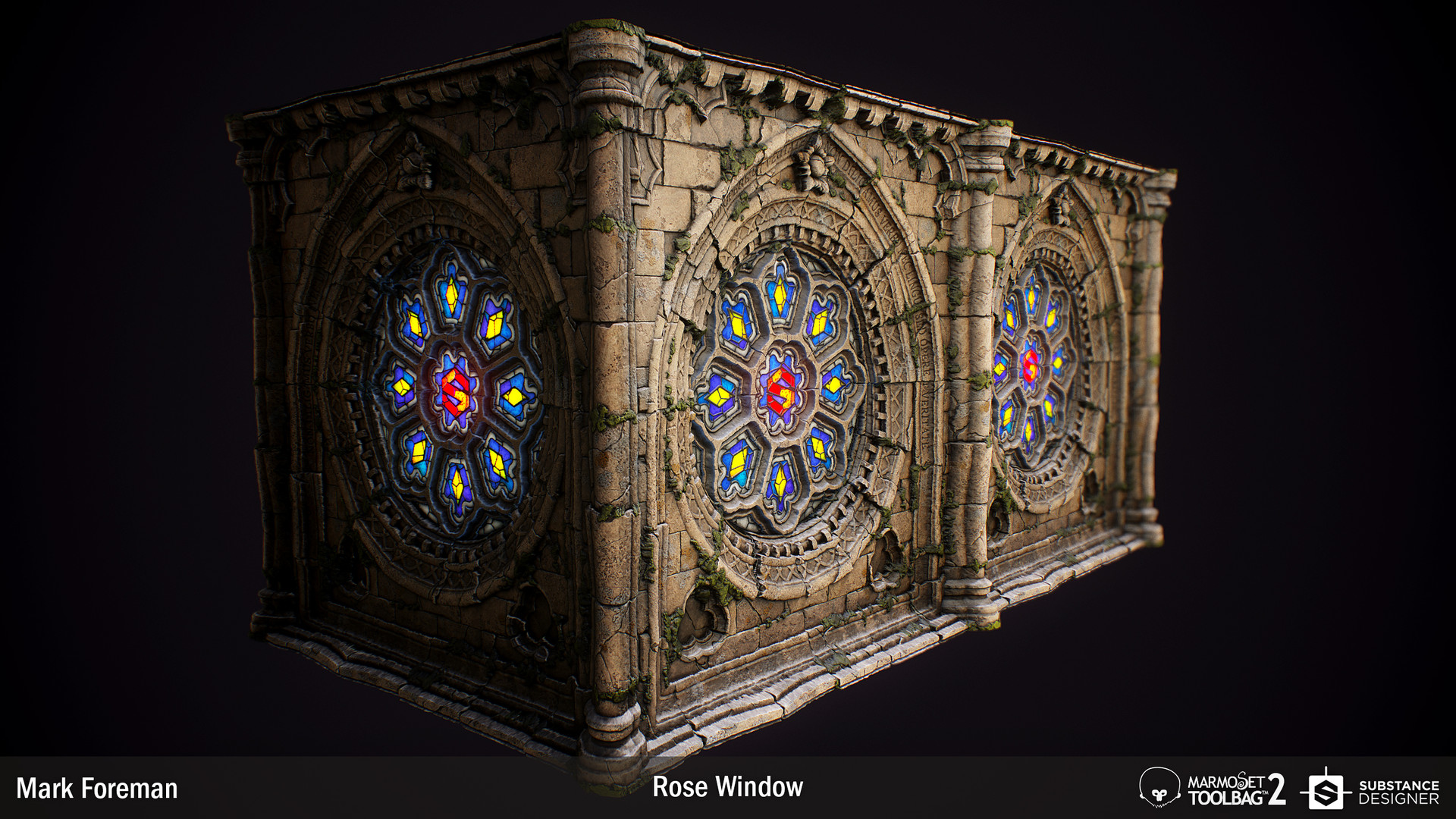
The masonry stripped of roses.
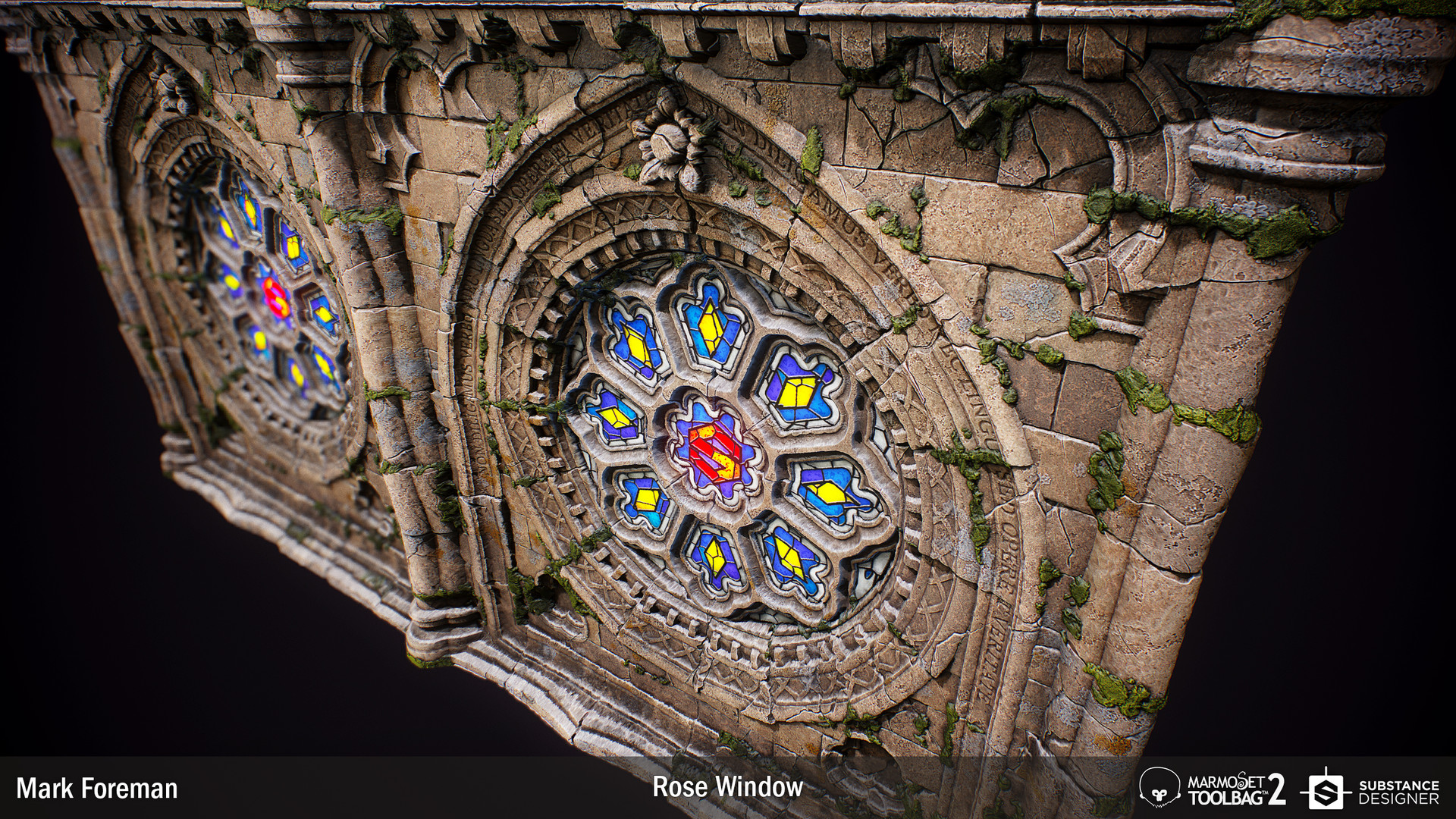


A progress Gif mostly composed of shots taken at the end of each work session.

These are the basic steps I took to shape the masonry elements of the rose window ring. Every other masonry shape used variations of these steps to create their specific shape.

Apart from the contours of the masonry I made use of the curve node to shape the petals of the roses. Which I then arranged using a couple of Splatter Circular nodes.

The curves also came in handy when shaping the leaves for my roses. I used the nodes to add volume to the leaves, such as a slight flick at the end,