Malachite with Chrysocolla
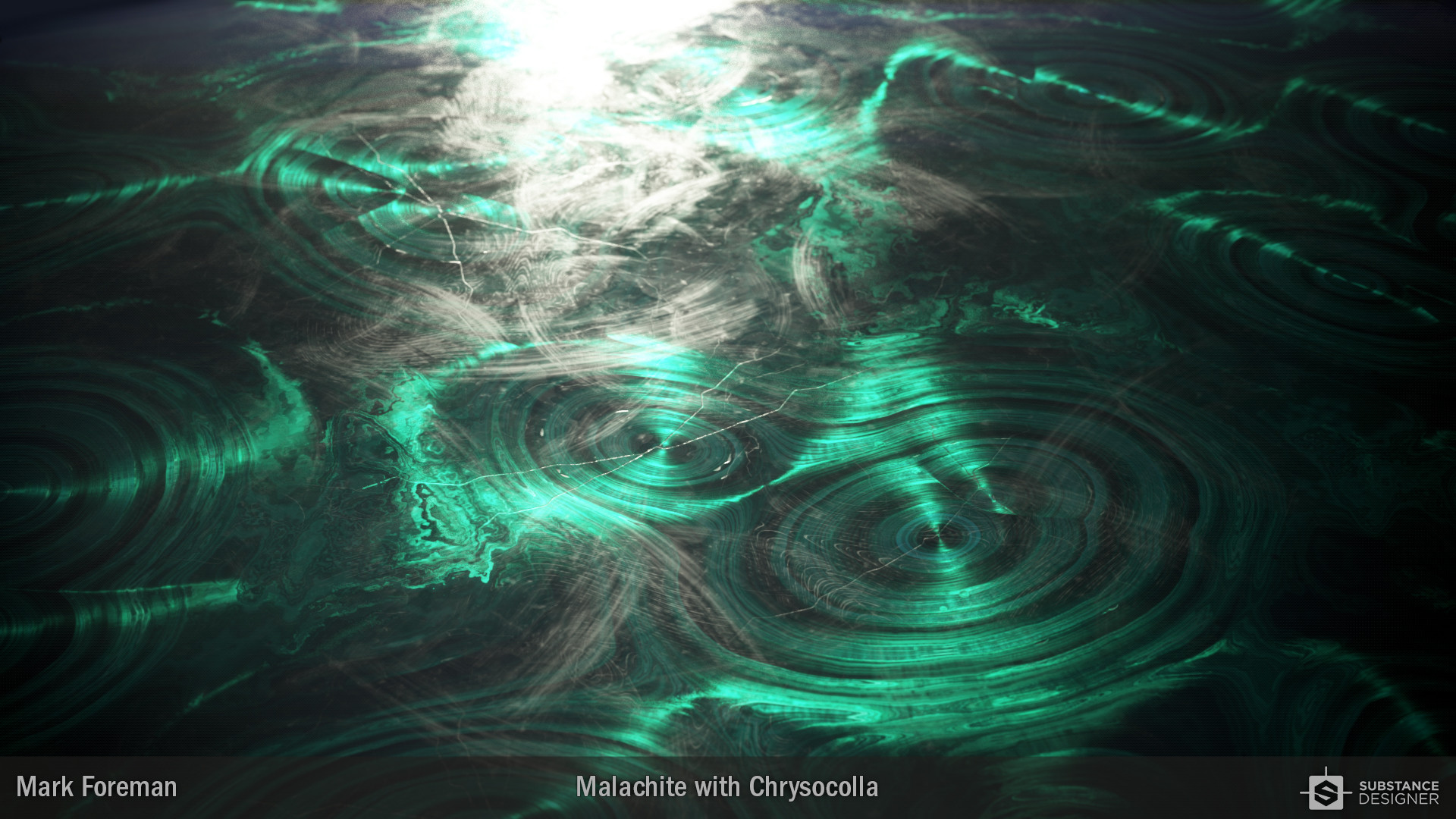
This is my material created for the Materialize competition. I was inspired by the chunk of Malachite, with its outer layer of Chrysocolla from the Matershots Instagram, as it meant I had two separate surfaces to replicate.
I also used this competition as an opportunity to get properly stuck into Nvidia's MDL language inside Designer. I made use of both Anisotropic reflections and a gloss layer for the cut surfaces of the Malachite, while the Chrysocolla is a more standard PBR implementation.
It's been quite a lot of fun to make as I am more used to working on materials in Designer that are of a meter or upwards in scale. So focussing on something more realistically measured in millimeters was a nice change.
All renders done inside Substance Designer with Iray.




The graph outputs used in the MDL. On the left are the more standard maps. On the right are 3 maps I made to work with the cut surface of the Malachite and a good ol' AO.

The Substance graph that creates all the maps needed to drive the MDL.
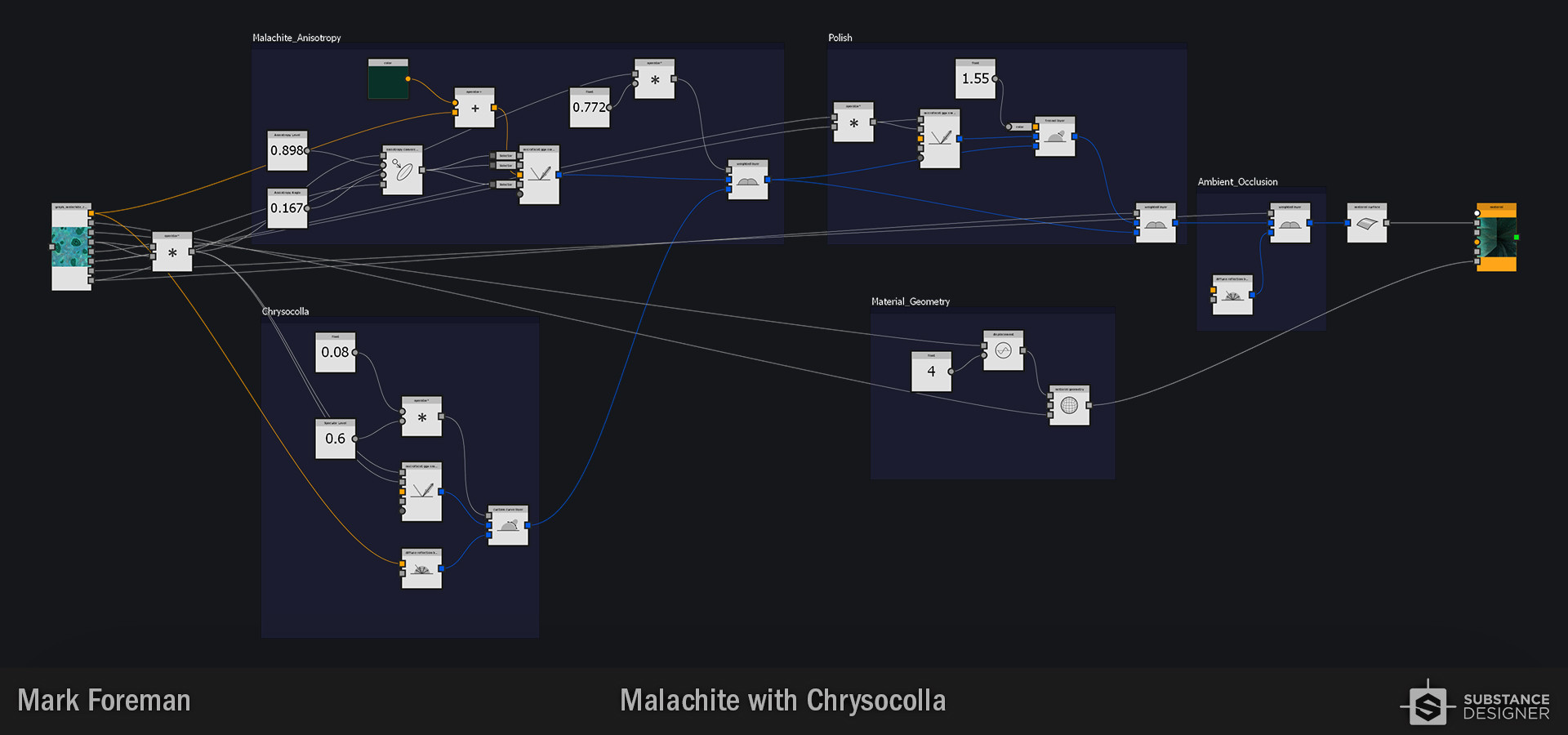
The MDL graph.

I wanted to have some fingerprints on the surface of the cut mineral, and as imported elements were not allowed for the contest I had to make them from scratch. It proved to be a fun exercise in and of itself.

And this is what gets spat out.